AveryJack Labs
Three browser-based prompt builders for AI image and video generators, built on a curated vocabulary of nearly 400 defined terms and a structured six-step cinematic workflow.
- Project
- AveryJack Labs
- Role
- Founder & Developer
- Timeline
- 2025–Present
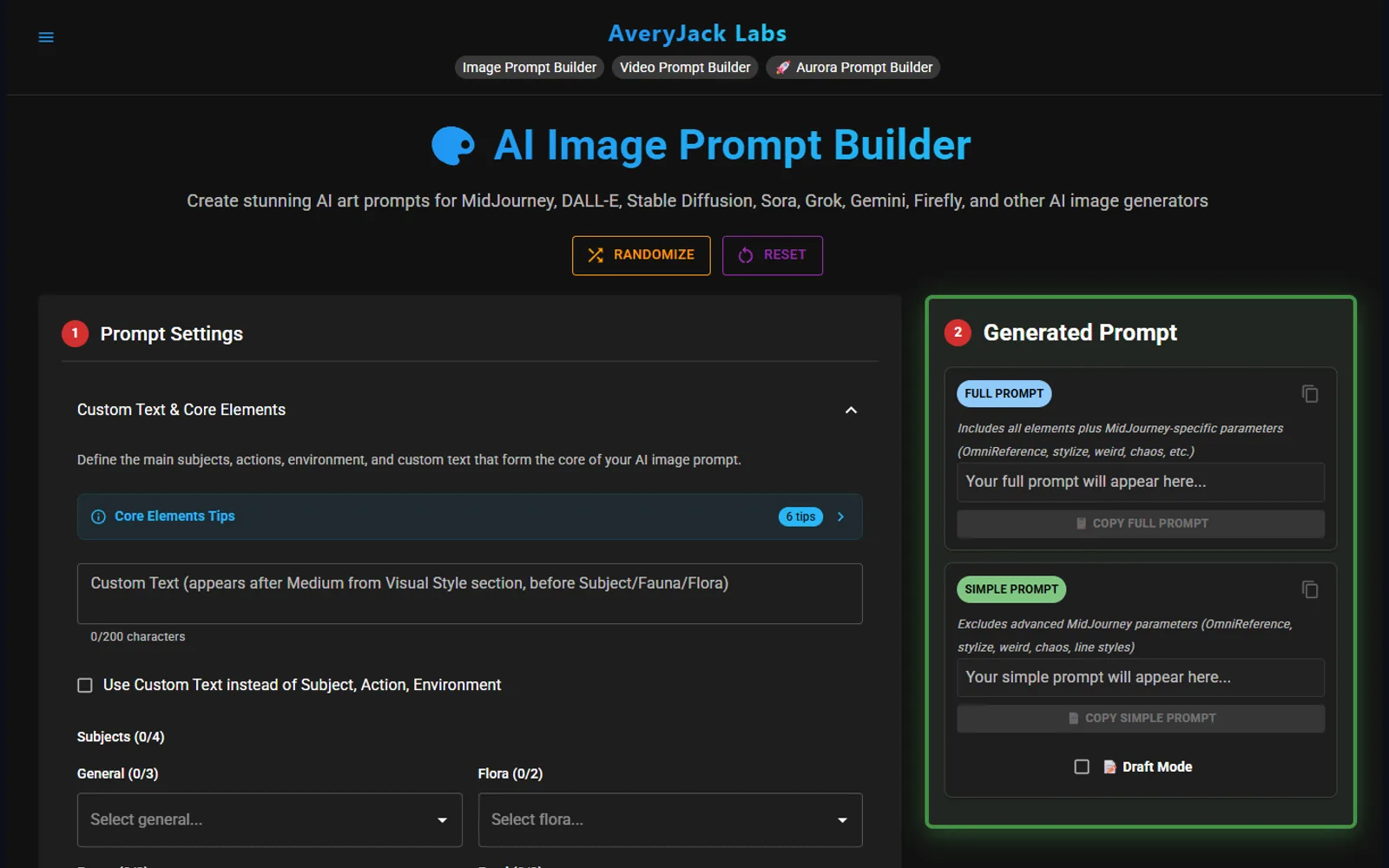
Three prompt builders, running in the browser
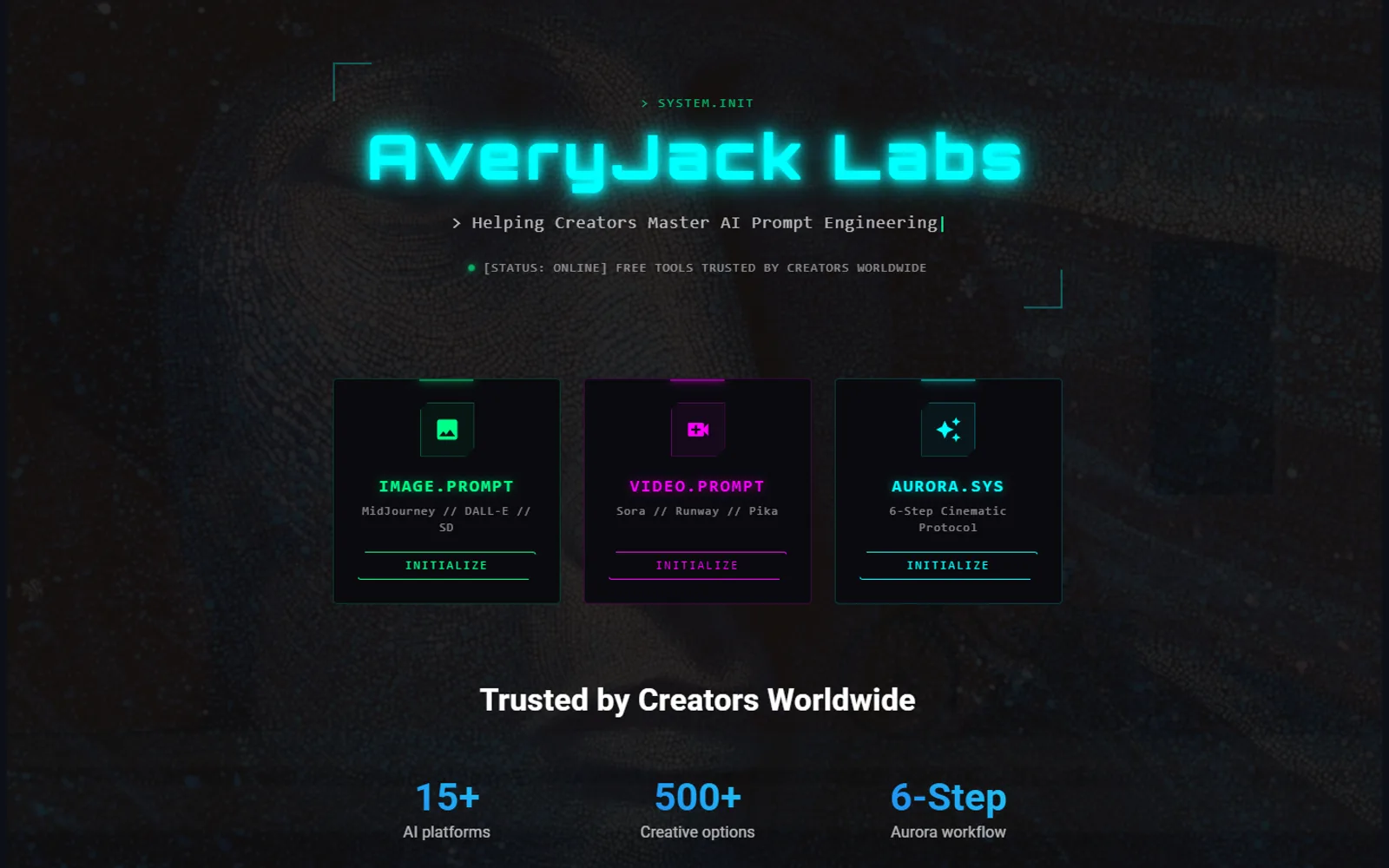
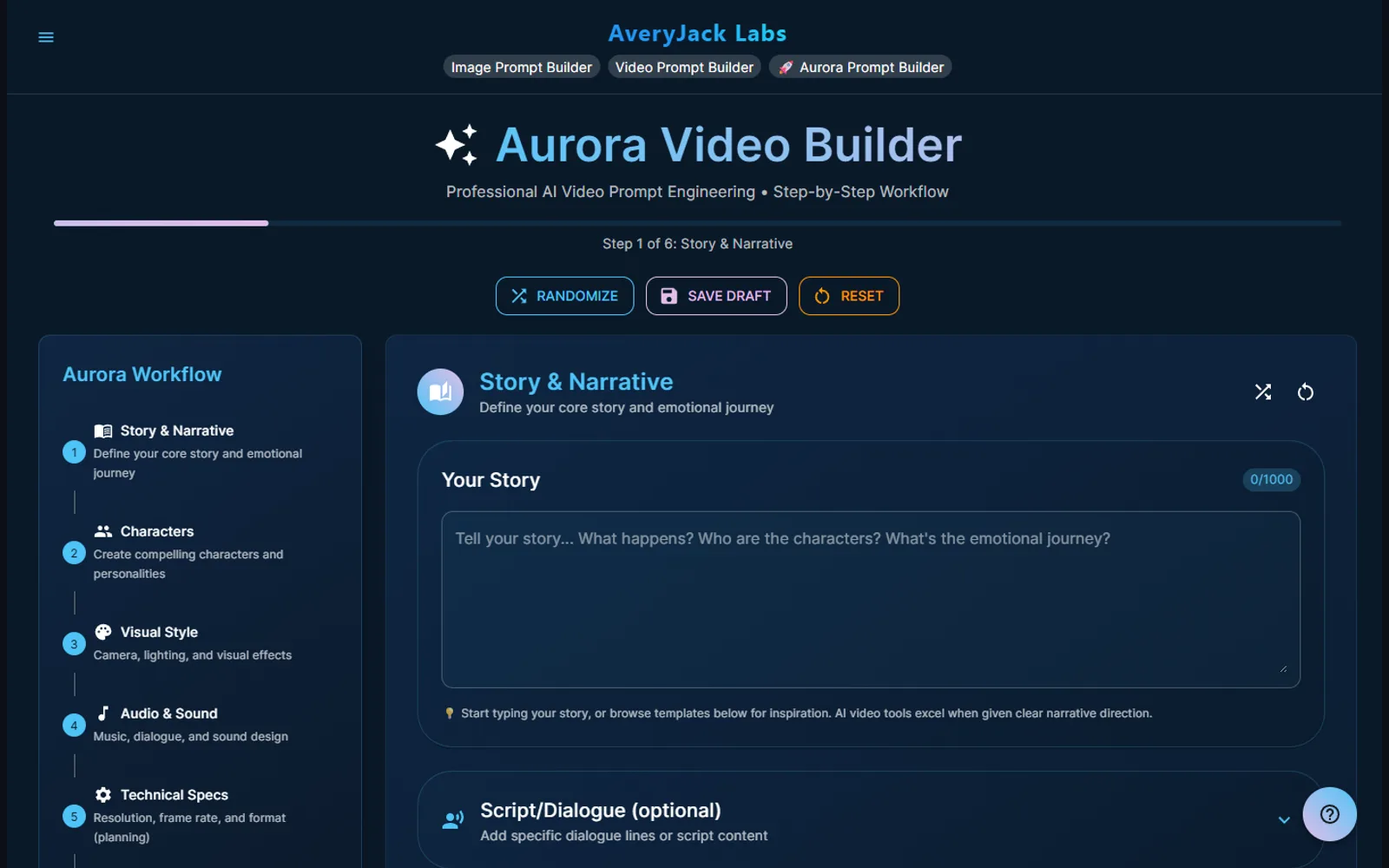
AveryJack Labs is a set of browser tools for AI image and video generation: an image prompt builder, a video prompt builder, and Aurora, a step-by-step builder for cinematic video prompts.
They open and work immediately, with everything kept on the visitor’s own machine — work in progress persists to local storage between sessions.
The vocabulary is the product
The interesting work here is the term set, not the interface.
Underneath sits a curated vocabulary of roughly 380 entries, each carrying a plain-language definition: 73 artistic media and styles, 227 named artists, and 83 Native American tribes. “Impasto” arrives with its meaning attached — thick paint application technique creating heavy texture and dimension — so the person choosing it knows what they’re asking for.
That’s a controlled vocabulary with scope notes, the same artifact I build for enterprise knowledge bases, and it matters for the same reason: a term is only useful when everyone using it means the same thing by it. Structured, defined terms produce consistent results, in a prompt builder exactly as in a knowledge base.
Design decisions
Two prompt outputs. The image builder emits a full prompt carrying MidJourney-specific parameters — OmniReference, stylize, weird, chaos, line styles — and a simple prompt without them, so one creative intent works across platforms that read those flags and platforms that don’t.
Three output formats for video. Plain text, Markdown or JSON, because some generators want prose and some want structure.
Capped subject selection. Each subject group — general, flora, fauna, food, seasonal, holiday — allows a small fixed number of picks. The limit is the feature: competing subjects are the most reliable way to muddy an image.
Aurora sequences the decisions. Six ordered steps run story and narrative first, then characters, visual style, audio and technical specifications, with generation and export last. It’s an opinion about order — decide what the thing is about before deciding how it’s lit.
Why it’s here
It’s a small product, and it’s the clearest example of knowledge management technique applied somewhere nobody expects it. Faceted selection, controlled vocabulary, scope notes, constrained inputs, and several output serializations of one underlying record are knowledge-base patterns. Here they produce prompts instead of articles.
More designed & built work
-
USA Archery (proposal & working demo)
USA Archery Platform Modernization
A working modernization of a national governing body's WordPress site — 2,900+ articles migrated to Payload CMS, a rebuilt information architecture, role-based editorial workflow, and a governed AI assistant with citation-backed answers.
-
TerraGreetings
TerraGreetings
A subscription platform for printable outdoor-themed greeting cards — built end to end with auth, payments, an admin CMS, and a browser-side duplex PDF print engine.
-
KnowledgePeak.ai
KnowledgePeak.ai
An AI documentation generator that puts enterprise knowledge practice within reach of small teams — guided questionnaires produce structured articles, with provider-agnostic LLM routing and admin-configurable templates.
Questions about this work?
Happy to go deeper on any of it — the decisions, the trade-offs, or what I'd do differently.